Edvinas Bartkus
Buttons for my coding agents
I made a spontaneous purchase. I bought the Work Louder Creator Micro 2. I did not buy the Codex Micro. I tricked myself into thinking that by buying Creator Micro 2, I was getting basically the same product at a discount.
So, it has arrived!
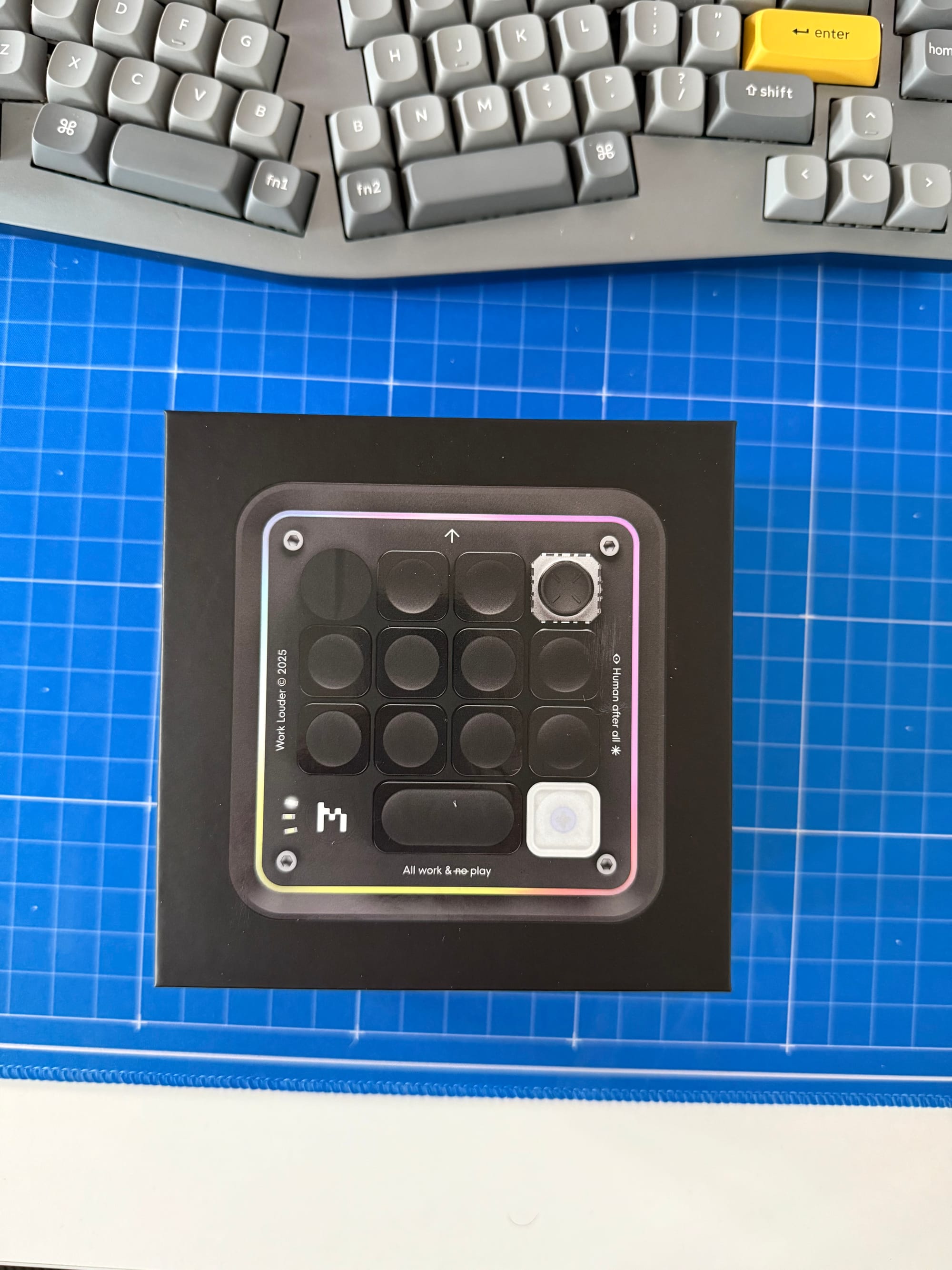
There's been lots of rumbling about that Codex Micro being an overpriced piece of hardware and that you could build one yourself for pennies. However, I think the quality of this device is worth every penny. By by quality, I mean the experience.
Device is open enough that I was able to instruct my Pi agent to go and figure out how to integrate my herdr with the Creator Micro. It found everything necessary to make it work, and now it works smoothly.
If you are not familiar with herdr, it's like tmux but designed to be used with coding agents/harnesses. It lists all running agents and reports the status of each one. So, at a glance, I can see which agent is blocked, which is working, and which has completed its work.
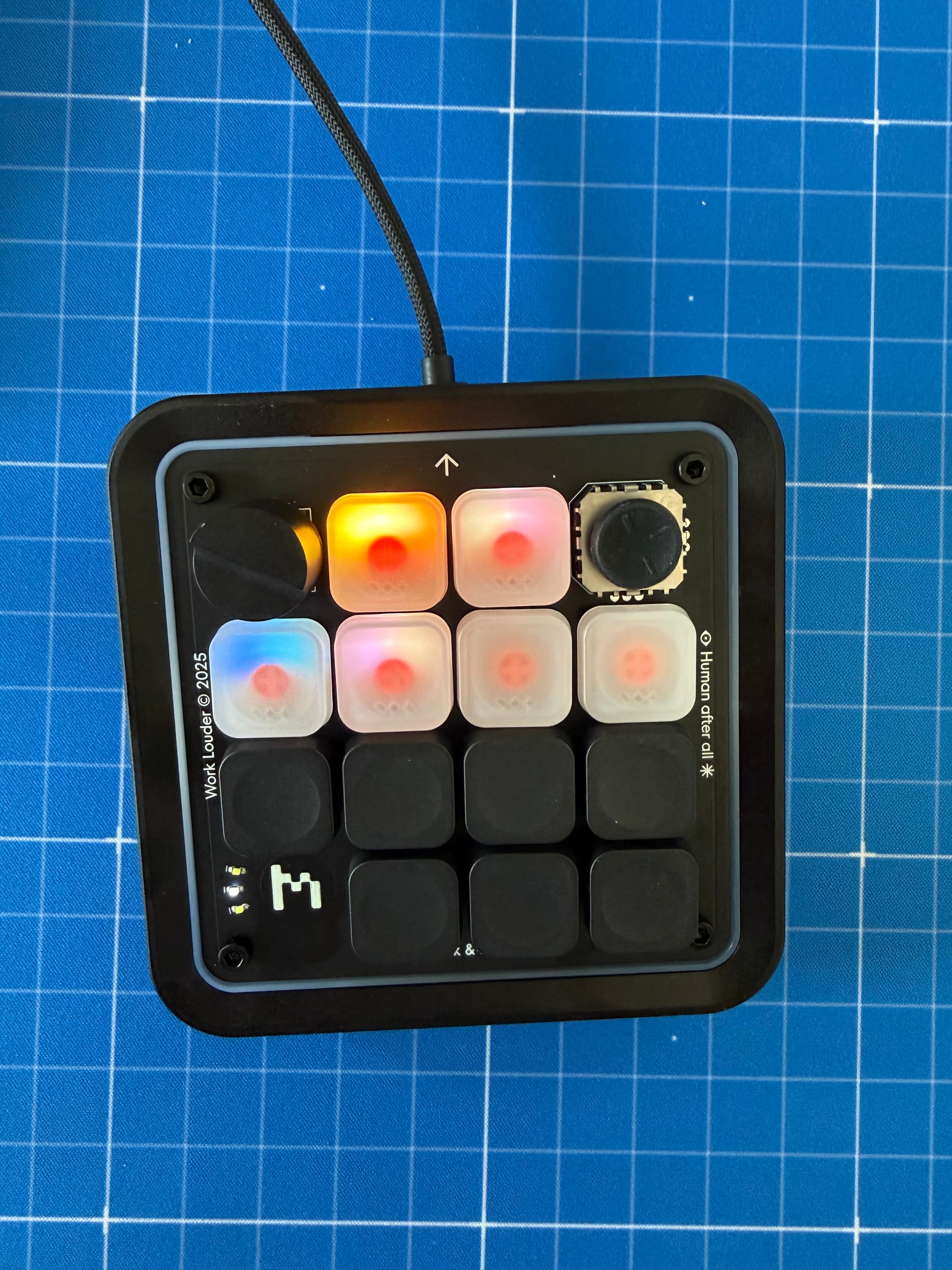
In the picture of the device, you'll see that these statuses are now also reported on the Creator Micro:
- Blue: agent is running
- Yellow: agent is blocked, and I likely need to answer a question
- Green: agent has done its work and the turn is complete
- Lit: agent is assigned
- Unlit: no agent is assigned
If I click a button, the Ghostty app comes into focus and switches to the agent assigned to that button. Other buttons are assigned to things like switching tabs, switching layers, or simply focusing my browser.
Love it when hardware is open enough that I can make it work with other open and programmable tools.